Work everywhere and together.
Use the platform for teamwork and collaboration in every occasion.
 Back to workspace ↗
Integrated water systems
Connecting your models and workspaces seamlessly.
Why HidroVisi
A connected model & workspace brings those parts into the same analysis.
Use the platform for teamwork and collaboration in every occasion.
Make new models or customize existing models that fit your specific needs and objectives.
Maintain the integration between your models and workspaces for better analysis and results.
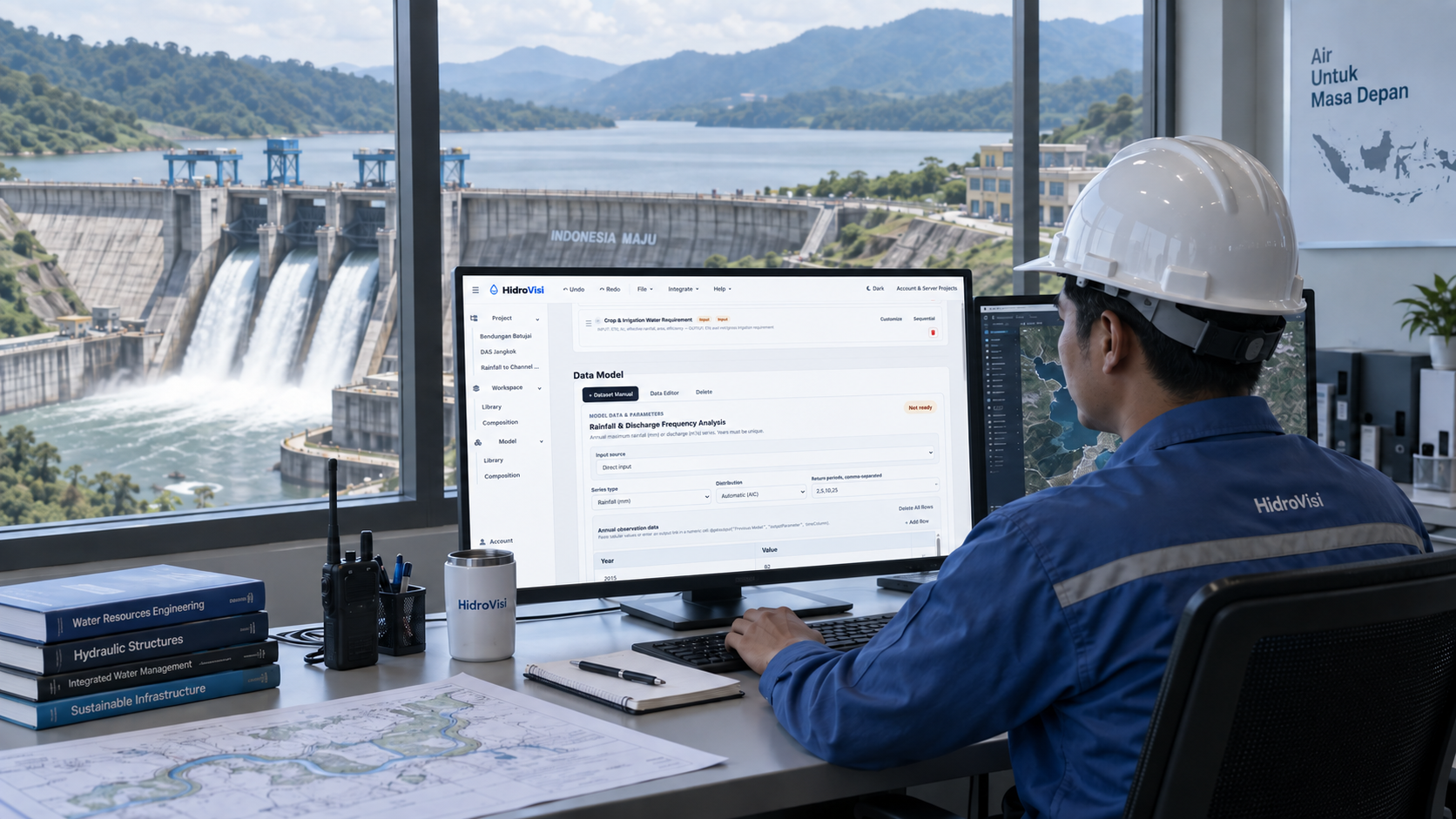
See the idea in action
Explore a simple weather-to-crop-water example. Select a step to see how the connection works.
01 / Source inputs
Prepare weather observations and the required parameters for the reference evapotranspiration model. Validate these inputs before using them in your analysis.
Your data. Your models. One connected Workspace.